Most AI talking avatar tools look impressive in a 3–5 second demo—and then break the moment you try to ship real content.
Two issues show up fast:
Lip sync feels “almost right,” but not believable (timing drifts, consonants don’t land, mouth motion looks generic).
Long-form stability collapses (identity drift, lighting shifts, subtle flicker that compounds until the person no longer feels like the same subject).
LongCat Avatar (also known as LongCat-Video-Avatar) is designed around those exact pain points: creating long-form AI talking head videos with stable identity and more convincing lip sync AI, using practical modes like AT2V, ATI2V, and Video Continuation.
✅ Start on LongCatAvatarAI: Start creating now →

What Is LongCat Avatar?
LongCat Avatar is a talking avatar generator that turns audio + text (and optionally a reference image) into a realistic speaking video. It’s often discussed as LongCat-Video-Avatar because its goal is not just short clips—it aims for long-form stability:
Identity consistency: the same face stays consistent across time and outputs
Lip sync accuracy: mouth movement aligns better with speech
Continuation workflows: extend a good clip instead of regenerating everything
If you’re comparing HeyGen alternatives or exploring audio to video AI, the real question isn’t “Can it talk?” but:
Can it stay consistent long enough to be usable in production?
The 3 Core Modes: AT2V, ATI2V, and Video Continuation
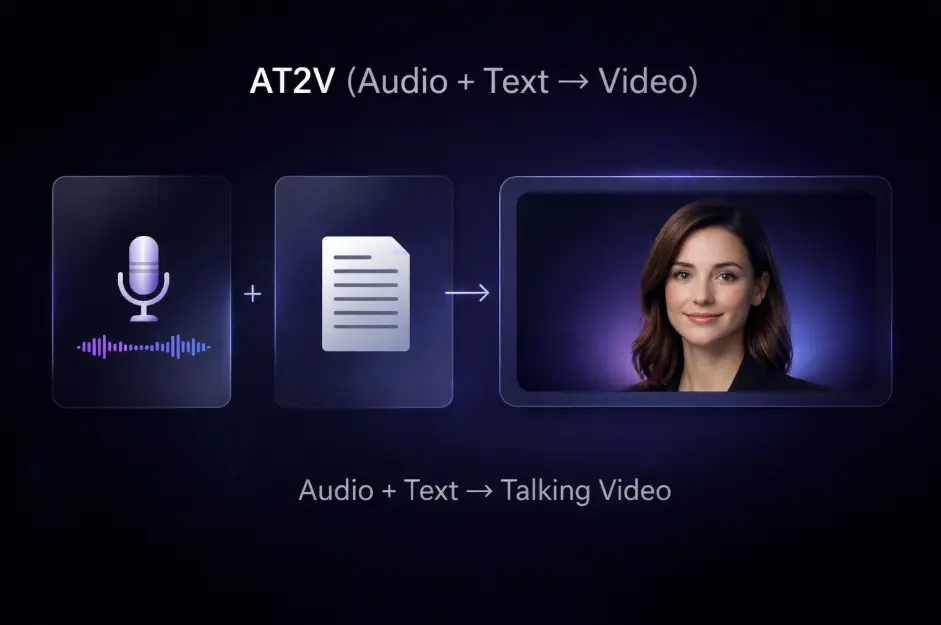
1) AT2V (Audio + Text → Video)
AT2V is the fastest workflow when you already have a clean voice track and a script.
Best for
narration, explainers, tutorials
news-style voiceovers
rapid iteration (swap scripts, regenerate)
Why text matters even with audio
Audio-only lip sync can work, but speech is also rhythm and emphasis. Text helps the model follow pauses, phrasing, and structure—which makes the face and mouth cadence feel more intentional.
✅ Try AT2V here: Open LongCatAvatarAI →
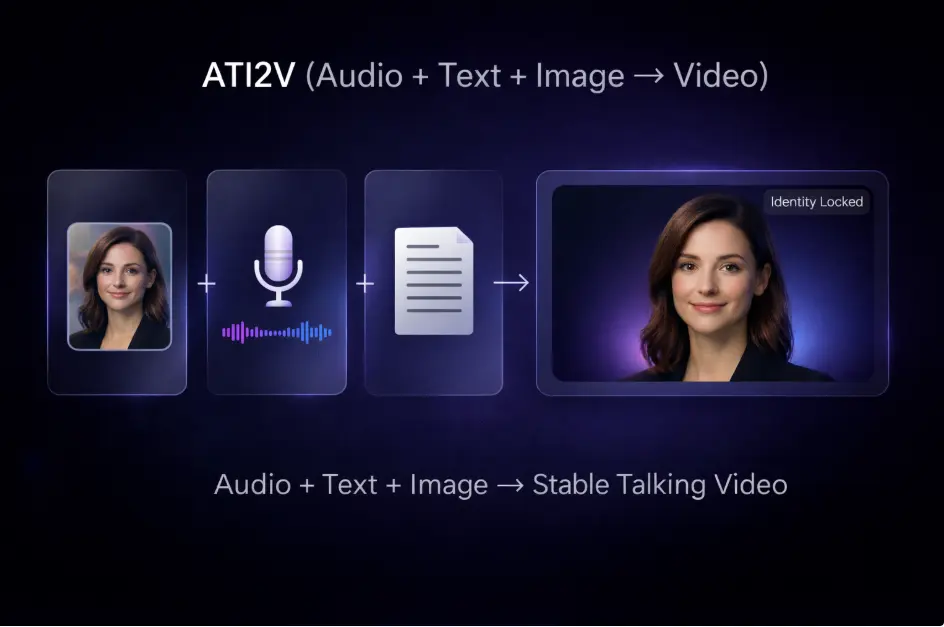
2) ATI2V (Audio + Text + Image → Video)
ATI2V adds a reference image to lock identity and improve repeatability.
Best for
a consistent spokesperson / channel host
marketing videos (same person across campaigns)
character-based series content
Reference image checklist
clear face, visible eyes and mouth
even lighting (avoid heavy shadows across lips)
front-facing or slight angle
not overly compressed
✅ Try ATI2V here: Open LongCatAvatarAI →
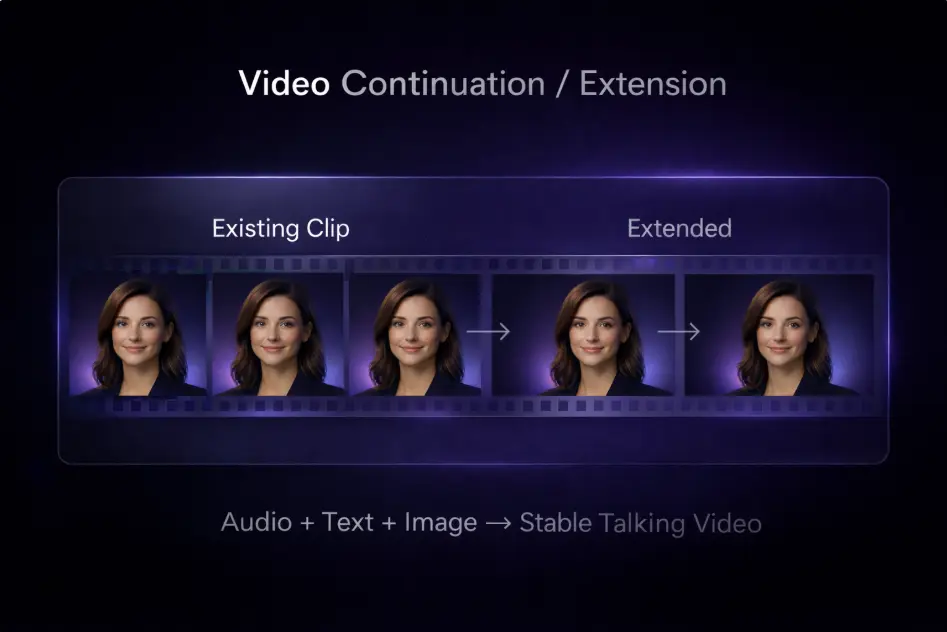
3) Video Continuation (Extend an Existing Clip)
Video continuation (or video extension) extends a clip that already looks correct.
Best for
turning a strong 5–10 second segment into a longer piece
maintaining continuity across a longer monologue
reducing identity drift in long outputs
✅ Try Continuation here: Open LongCatAvatarAI →
Why Long Videos Drift (and Why Continuation Helps)
Long-form generation is hard because tiny deviations accumulate:
small lighting changes become noticeable
micro identity shifts slowly reshape the face
mild flicker becomes distracting after many seconds
A stable production strategy is simple:
Generate short first (5–10s) to validate face + tone + lip sync
Lock identity with ATI2V if the face must remain consistent
Extend with continuation once you have a clip that looks right
This approach usually beats “generate one long video from scratch and hope.”
Real-World Use Cases (Image Examples You Can Publish)
Below are example scenarios (templates, not claims about specific customers).
You can create image-based “case cards” first, then later replace them with your own videos.
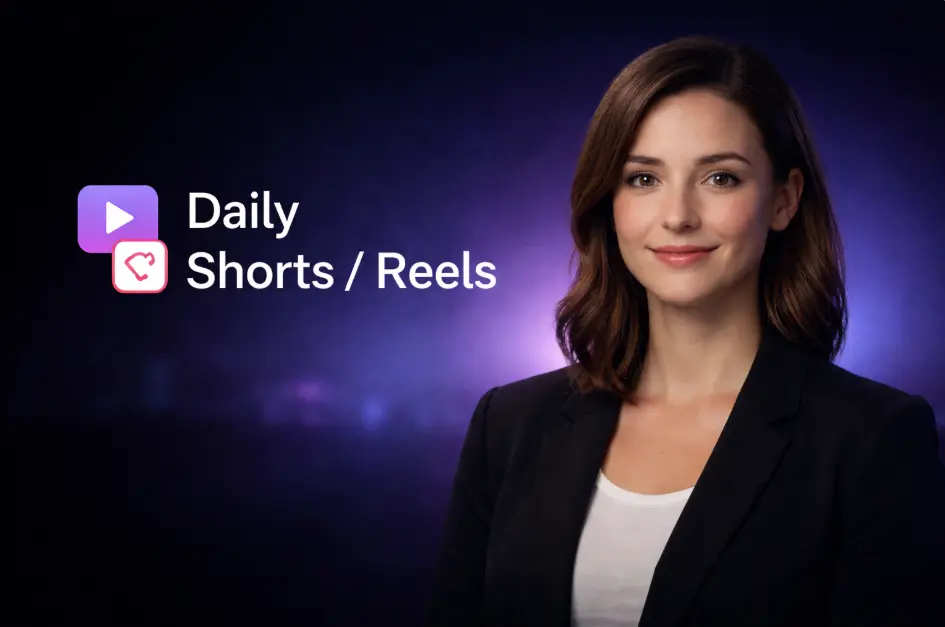
Use Case A — Creator Content (Shorts/Reels/YouTube)
Goal: publish daily talking-head content without filming.
Workflow: ATI2V (consistent host) + short scripts + batch generation.
Example idea: a creator keeps the same avatar identity across a week of posts; only script/audio changes.
✅ Build this workflow: Start creating now →
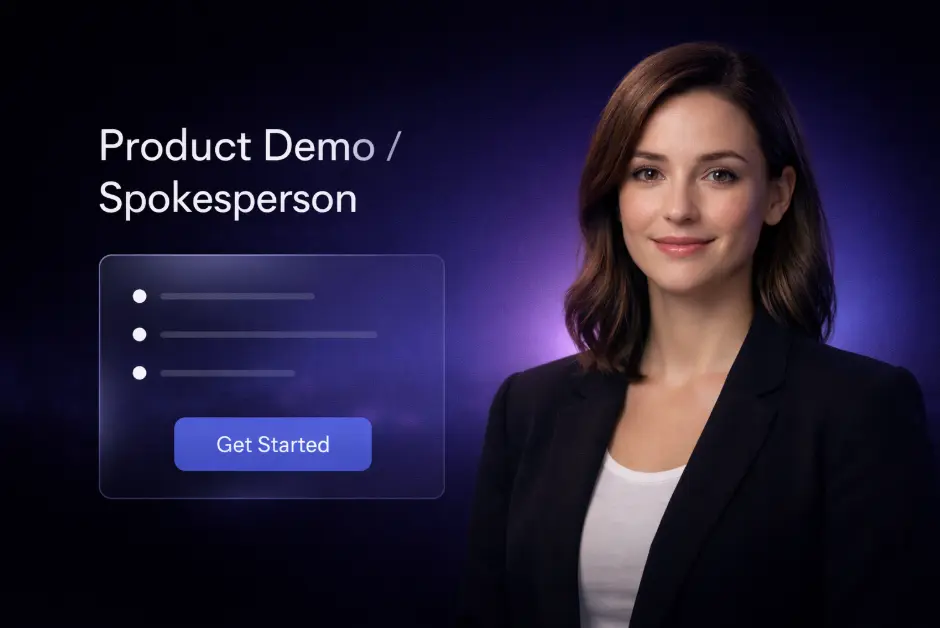
Use Case B — Product Marketing (Spokesperson Explainers)
Goal: create clean spokesperson clips for landing pages and ads.
Workflow: ATI2V + structured “benefit → proof → CTA” scripts.
Example idea: one stable avatar identity across a campaign; each clip highlights one feature.
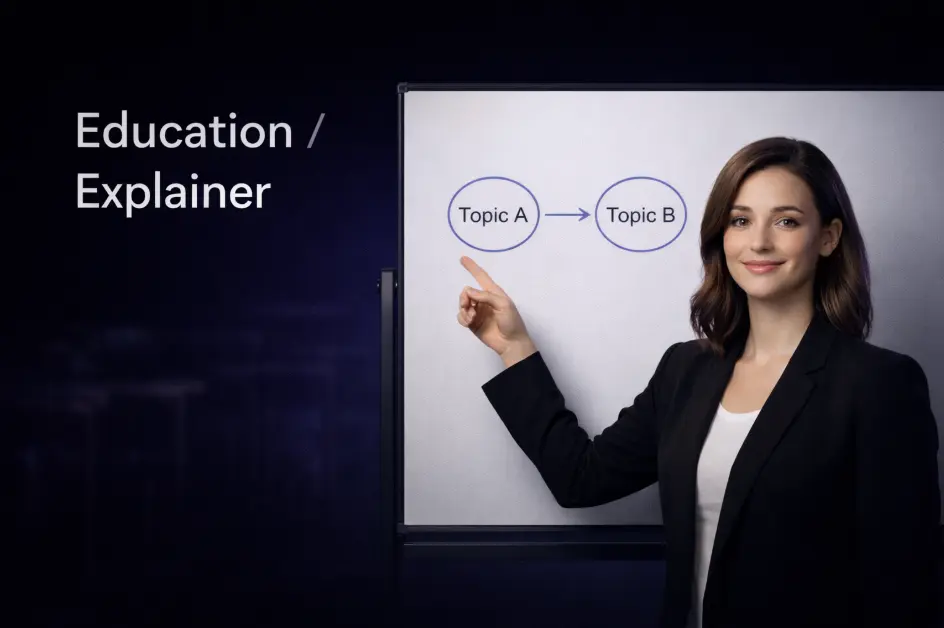
Use Case C — Education (Lecture-Style Explainers)
Goal: stable, longer explainers where drift is unacceptable.
Workflow: AT2V for speed, ATI2V for identity, continuation for longer modules.
Example idea: generate a short segment per chapter, validate, then extend for the full lesson.
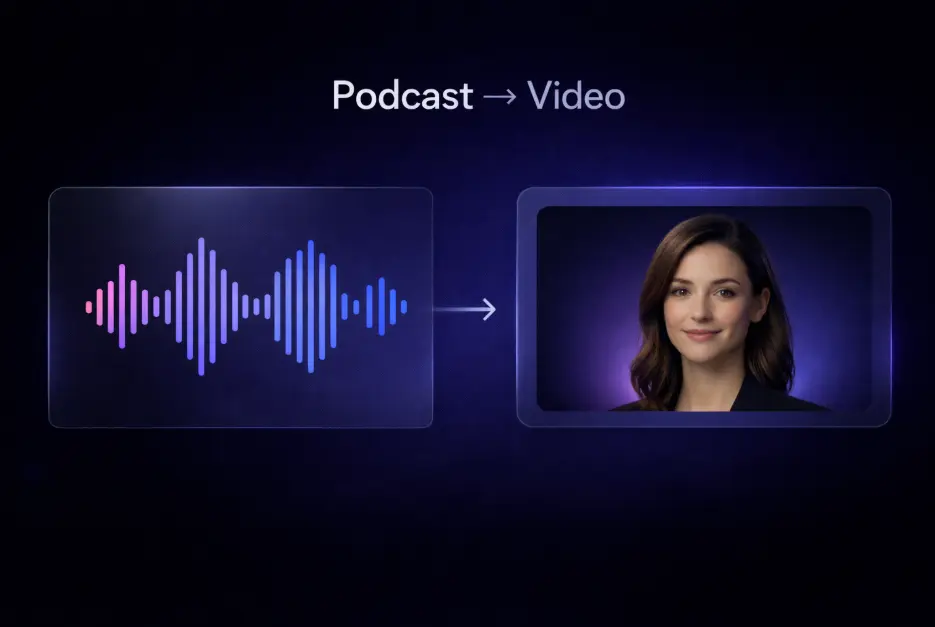
Use Case D — Podcast-to-Video Repurposing (Audio to Video AI)
Goal: turn existing audio into shareable talking-avatar video.
Workflow: AT2V + consistent visual style prompt.
Example idea: highlight a 20–30 second “best moment” as a trailer.
Workflow Blueprint (Image Diagram)
A diagram improves scanning and helps readers remember your modes and steps.

Recommended workflow
Prepare clean audio + speech-friendly script
Pick mode: AT2V (fast), ATI2V (identity lock), Continuation (extend)
Generate short → validate → extend
Export and reuse templates
Prompt Templates (Copy-Paste)
These templates naturally include traffic terms like lip sync, talking head, spokesperson, and news anchor.
Template 1 — News Anchor (Clean, Neutral)
Prompt
A professional news anchor delivers today’s update in a calm, neutral tone. Medium shot, steady camera, clean studio background, natural blinking, subtle head motion. Accurate lip sync to the audio.
Script starter
“Today’s update is simple: consistency is becoming the new standard for AI talking avatars.”
Template 2 — Friendly Product Host (Conversion-Focused)
Prompt
A friendly spokesperson explains key benefits with confident energy. Bright but soft lighting, clean background, natural smile, realistic facial expressions, clear mouth movements matching the audio.
Script starter
“If you’ve ever struggled with identity drift in long videos, here’s a workflow that stays stable.”
Template 3 — Emotional Storytelling (Retention-Focused)
Prompt
A storyteller speaks slowly with emotional pauses and subtle micro-expressions. Close to medium shot, cinematic soft light, gentle head motion, realistic breathing rhythm, accurate lip sync.
Script starter
“I thought generation was the hard part—until I learned consistency is what makes it real.”
Common Issues (and Fixes)
Lip sync feels off
use cleaner audio (less noise/reverb)
shorten sentences; add punctuation and pauses
slow narration slightly
keep prompts clear (don’t overstuff)
Identity drift
switch to ATI2V with a better reference image
keep the reference face clear and well-lit
extend via continuation once the clip looks correct
Long-form instability
generate short → validate → extend
avoid changing lighting/style instructions mid-script
break long scripts into chapters and stitch outputs
FAQ (People Also Ask)
Is LongCat Avatar an AI talking head tool or a broader system?
It’s a talking avatar generator focused on long-form stability, identity consistency, and practical workflows.
AT2V vs ATI2V—what should I use first?
Start with AT2V for speed. Use ATI2V when you must keep the same face across outputs.
Why use continuation instead of generating long videos from scratch?
Continuation often reduces drift because you’re extending a clip that already looks correct.
Ready to Try LongCat Avatar?
✅ Start on LongCatAvatarAI: Start creating now →